01 AI conversations
All your chats, finally in reach.
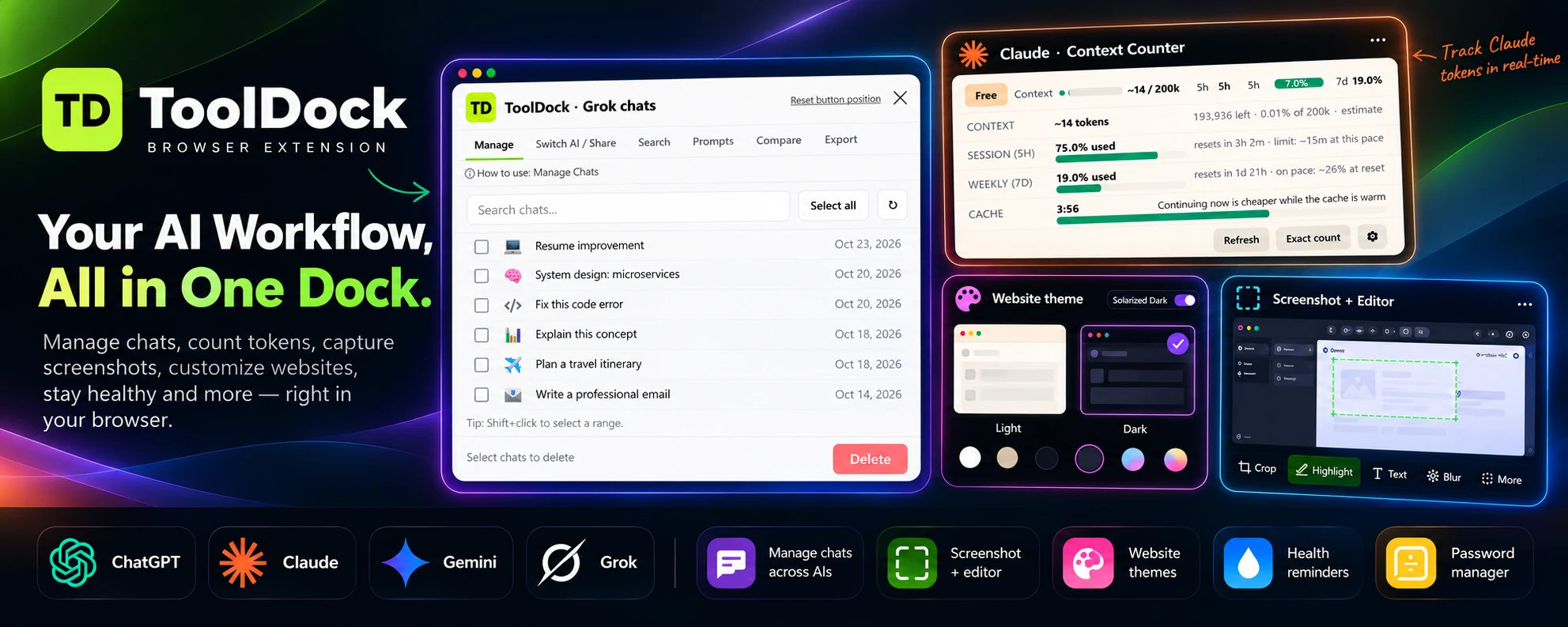
Search chat titles across four AI sites, select conversations in batches, and switch or export a chat when you need to keep moving.
ManageSearchSwitchExport
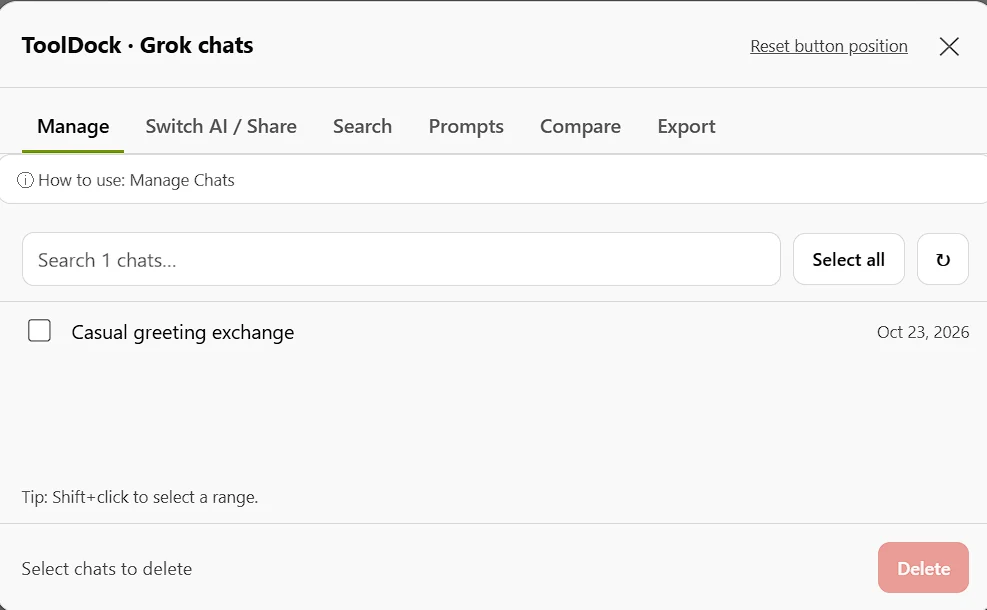
Stop losing time between tabs. Manage conversations, track Claude context, switch AIs, save prompts, capture screenshots, change website themes, and take better breaks — from one compact browser extension.
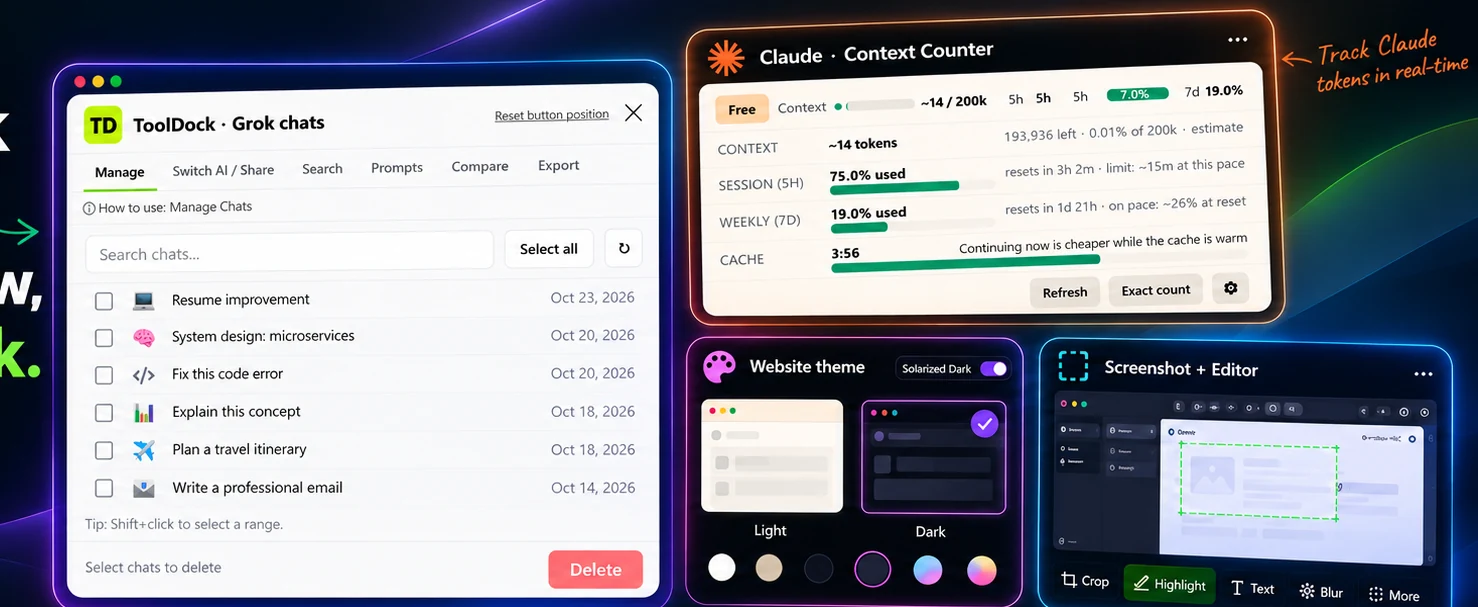
The small tools that make a big difference — built to sit beside your work, not interrupt it.
Search chat titles across four AI sites, select conversations in batches, and switch or export a chat when you need to keep moving.
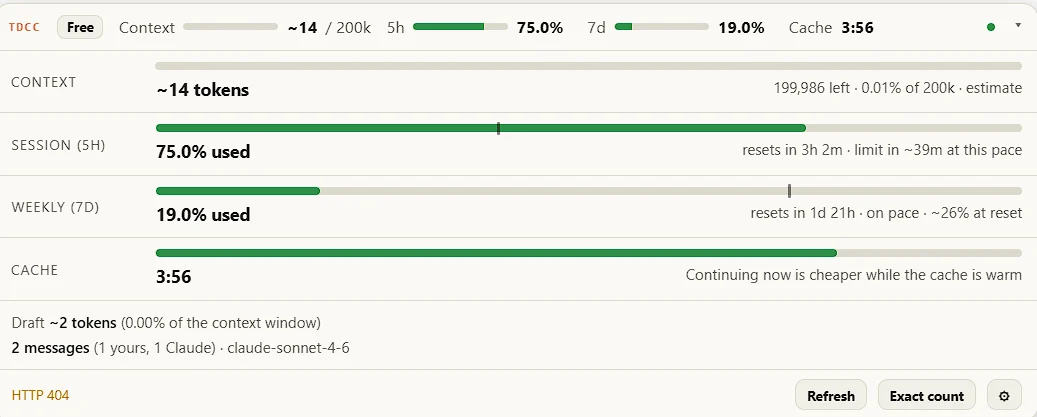
See estimated context usage, remaining room, cache warmth, and session and weekly pace without guessing.
Choose from light and dark themes, or let ToolDock follow the website’s own appearance when available.
Explore theme options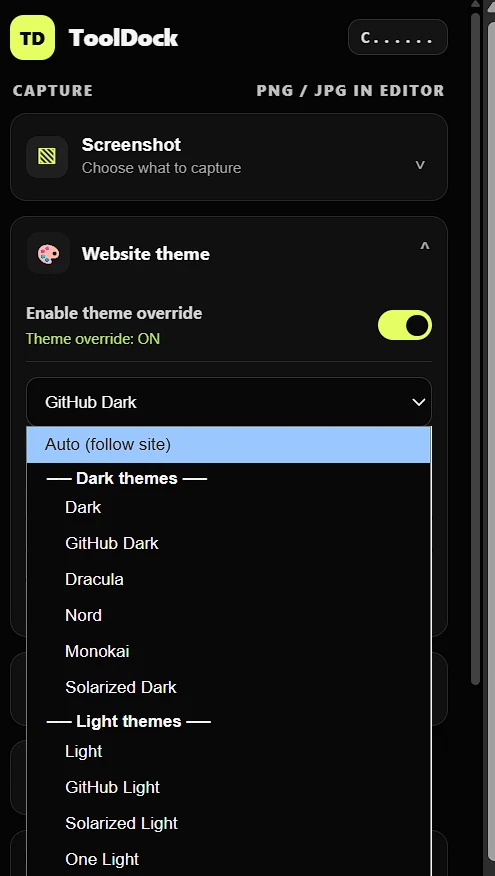
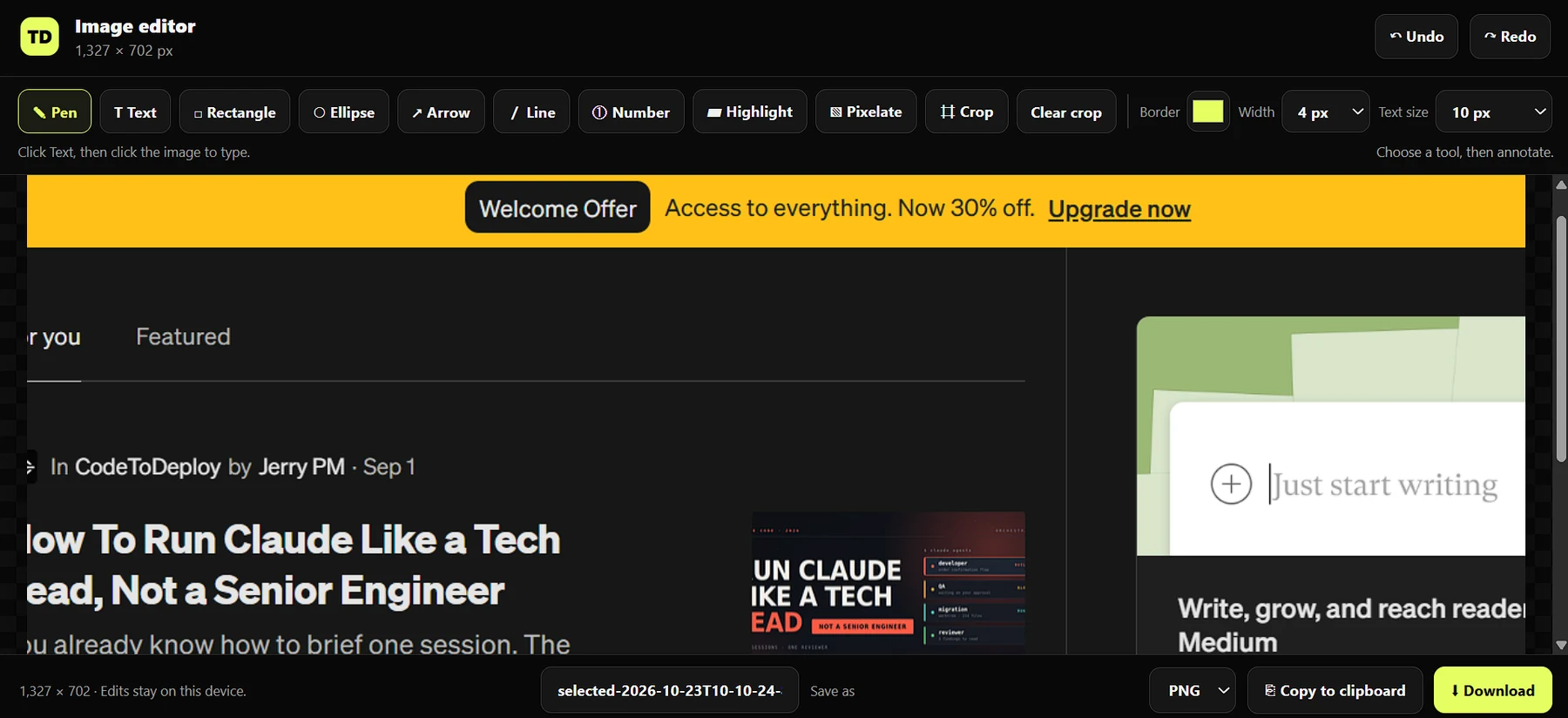
Capture a visible area, a selected region, or a full page. Then crop, highlight, blur, annotate, and export from the built-in editor.
Keep your reusable prompts in a personal library, add variables, and insert a prompt from the quick picker without rewriting it.
Set gentle nudges to hydrate, stretch, breathe, rest your eyes, keep going, or grab a snack — and manage saved logins locally.
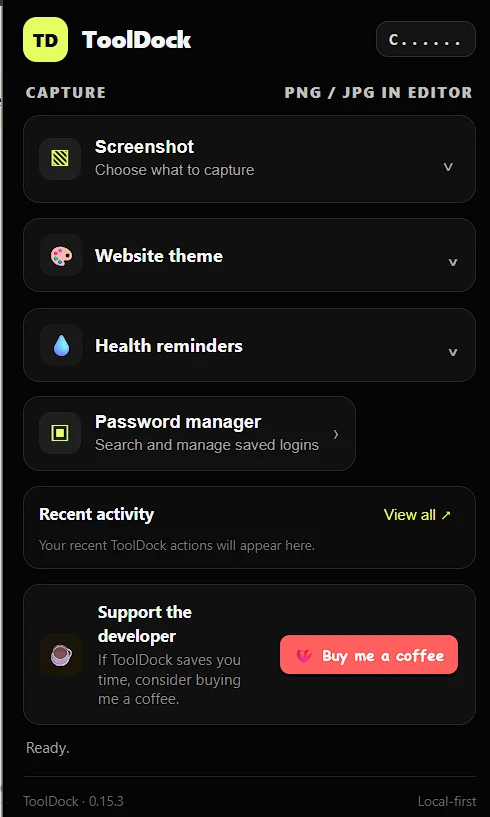
ToolDock brings your everyday browser tasks into one consistent place, so you can spend less time hunting for controls and more time doing the actual work.
Launch ToolDock from your browser toolbar on a supported site.
Manage chats, track context, change a theme, or capture the page.
Keep useful prompts and browser utilities close at hand.
ToolDock is designed to keep its own preferences, saved prompts, and chat index in your browser. It doesn’t need a ToolDock account or a ToolDock-hosted backend to provide these tools.
Need a little more detail before adding an extension? Start here.
ToolDock’s AI chat tools are designed for ChatGPT, Claude, Gemini, and Grok. Individual capabilities depend on each site and the feature being used.
ToolDock’s own saved prompts, preferences, and chat index are stored locally in your browser. When you interact with an AI provider, that provider’s normal privacy terms still apply.
Capture the visible area, choose a region, or capture a full page; then use the editor tools to annotate, highlight, blur, crop, and export your image.
The counter provides context and usage estimates with cache and pacing information. Token and remaining-context figures should be understood as estimates unless the interface explicitly labels them as exact.
One dock for AI work and everyday browser tools.
Add ToolDock to Chrome